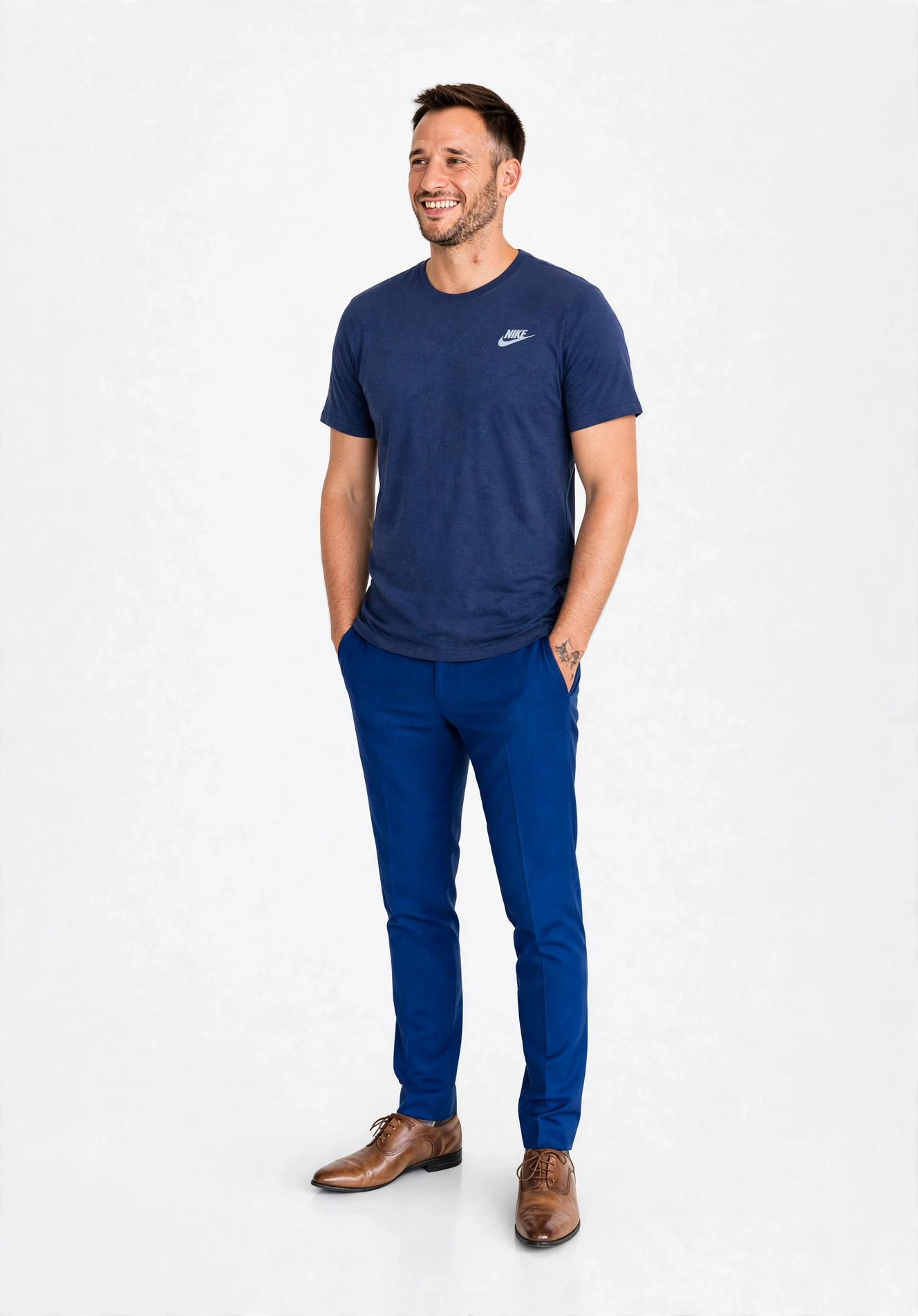
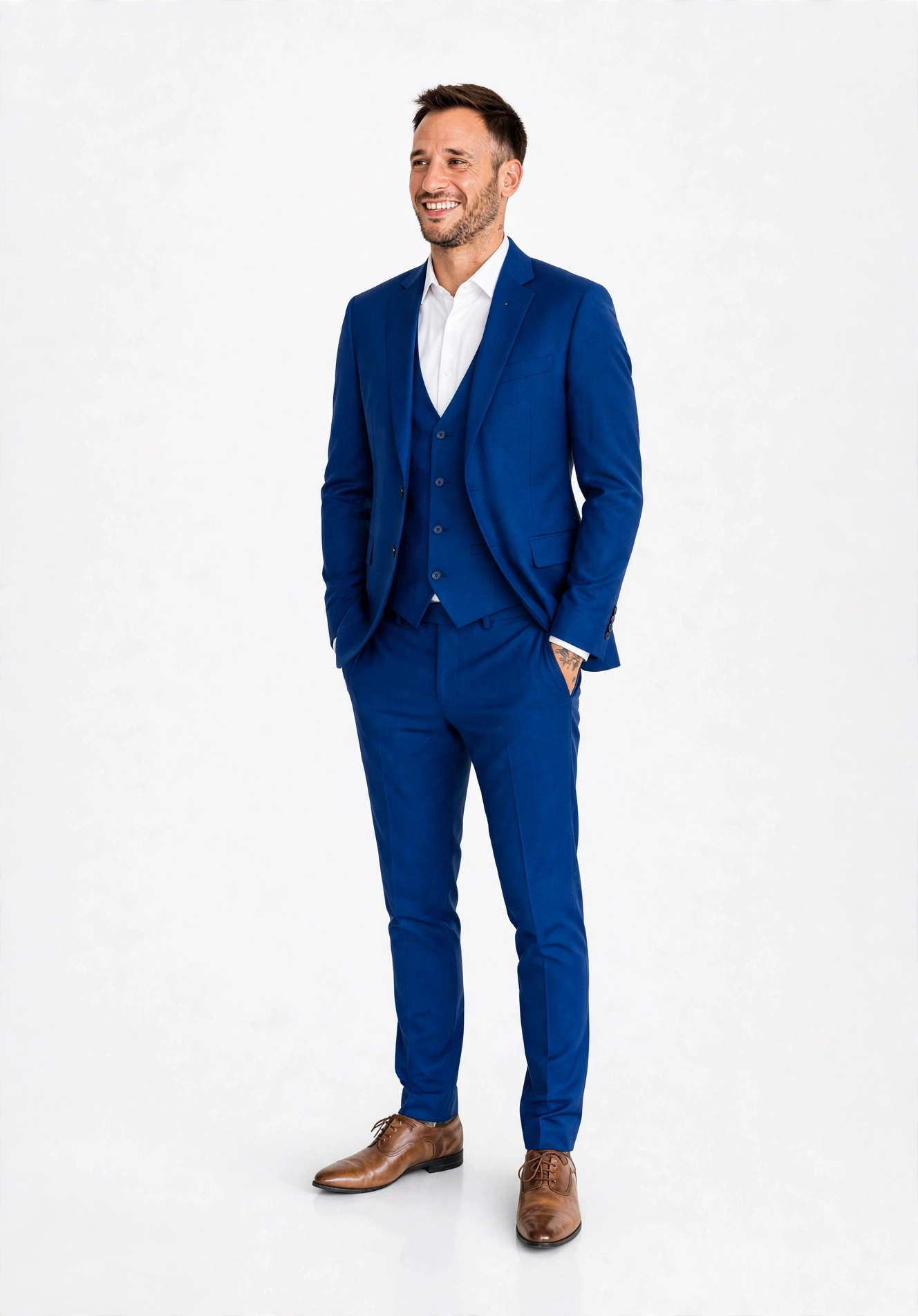
Allow your fashion shoppers to visualize clothing draped photorealistically on themselves or diverse AI models before buying. Style full outfits, eliminate sizing hesitation, and slash return rates.
Everything your store needs to deliver a photorealistic fitting room experience directly on your product pages.
Shoppers upload their own selfie or choose from diverse preset AI models to preview realistic fabric drape, sizing fit, and patterns in seconds.
Customers can style complete outfits by layering tops, bottoms, dupattas, and outerwear consecutively in one continuous chained session.
An interactive 60fps comparison slider lets shoppers inspect the precise fit, texture accuracy, and silhouette side-by-side.
Customers can add styled looks directly to their shopping cart from the virtual dressing room, eliminating checkout friction.
Shopper photos and AI try-on looks are processed in-memory and stored strictly on the customer's browser, never permanently retained on databases.
Manage button labels, gradient colors, typography, and positions directly inside the native Shopify Theme Editor without writing any code.
Unlike basic single-item try-on widgets, WearWise allows shoppers to style full outfits. After trying on a top, customers can click "Layer Next Item on This Look" to add matching trousers, jackets, or accessories.
Zero friction for shoppers. Instant, automated setup for merchants.
On any product page, customers tap the customizable "WearWise Try On" button to open the side dressing room widget.
Our 2-stage generative vision model analyzes fabric texture, cut, and body contours to deliver an accurate try-on in seconds.
Customers inspect their look with the Before/After split slider, layer additional pieces, and buy with total confidence.
Everything you need to know about setting up and running WearWise Try On.
Setup takes less than 2 minutes and requires zero coding. WearWise uses Shopify's official Theme App Extensions. You simply add the "WearWise Try On" block to your Product Page in the Theme Editor, adjust your button styling, and save.
No. We employ an ephemeral, privacy-first architecture. Customer selfie photos and generated try-on looks are processed strictly in-memory during generation and stored on the shopper's local browser. We never store personal customer photos on our database servers.
When a shopper adds an item to cart from the dressing room, a secure attribution token is attached. When the order is completed at checkout, our system attributes the revenue and try-on session directly in your merchant analytics dashboard.
Yes, 100%. You can customize button labels, gradient colors, hover effects, corner radius, and font sizing directly inside the native Shopify Theme Editor. Changes apply instantly to your store.